Upon the successful loading of the Blackbox image on your RPi SD card, booting the device will automatically start the software loading sequence.
Blackbox will generate it’s own WIFI network so you just need to connect your cell or tablet to the WIFI SSID (Service Set Identifier) named “Blackbox” .
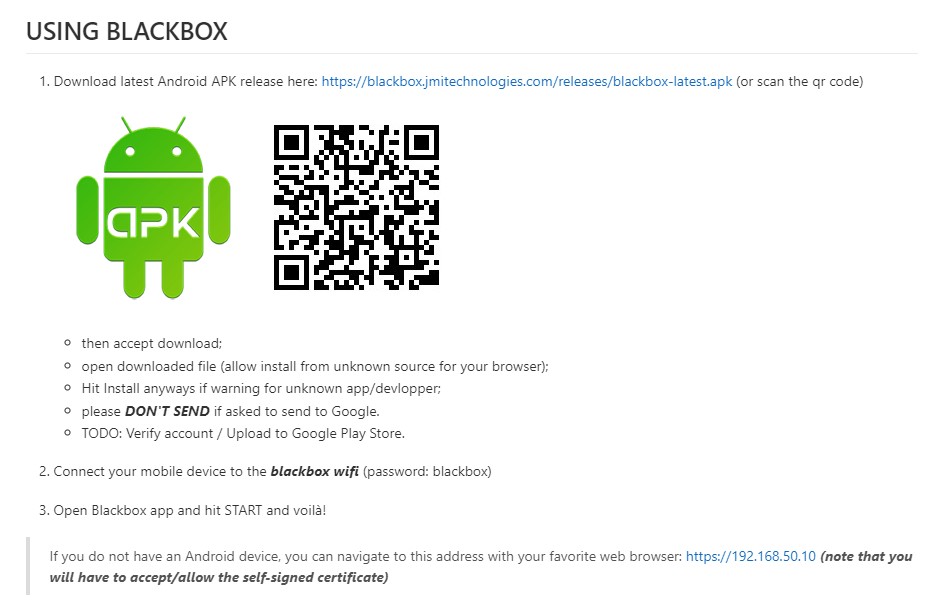
You will first be required to download an Android app which will facilitate the connection with your Blackbox device on your cell or tablet.
Once you click on the new Blackbox icon you will see the following screen:
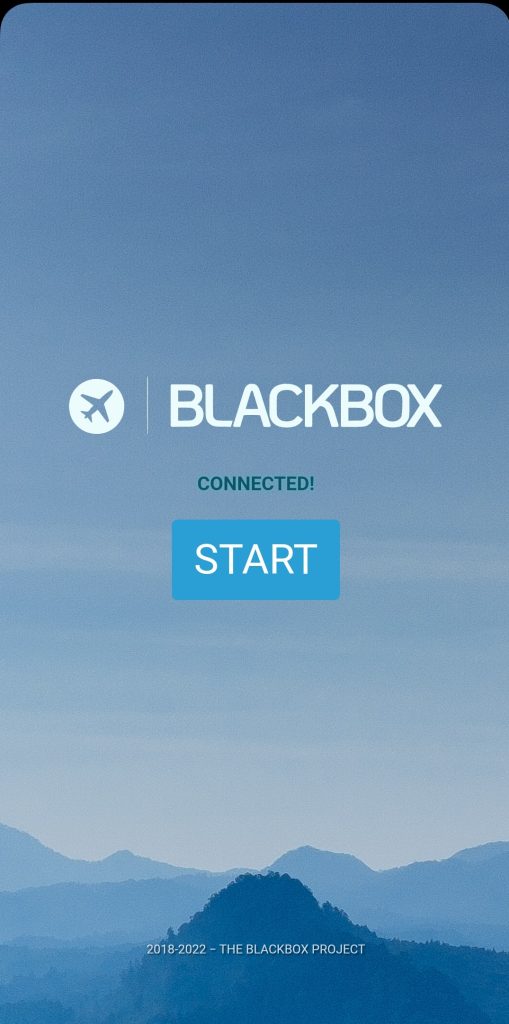
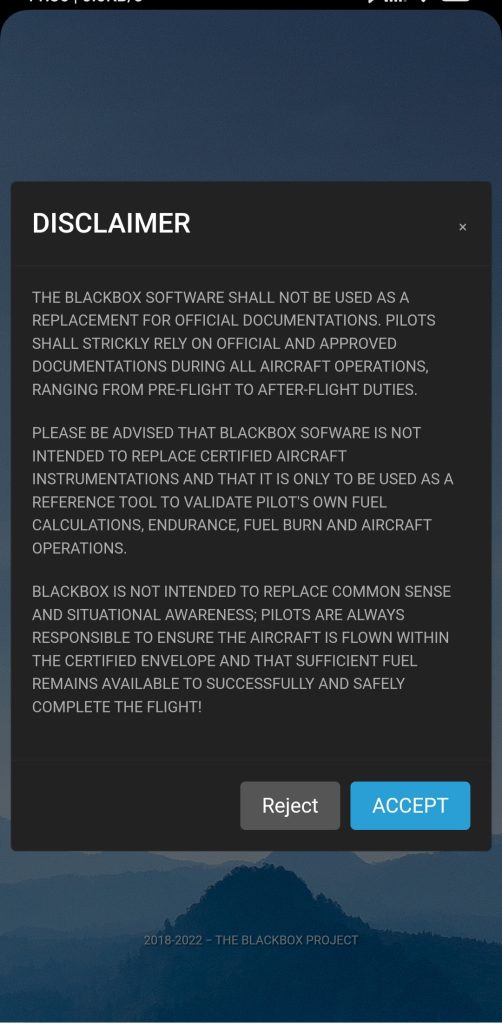
Press on START and you will then see the following disclaimer screen, accept:
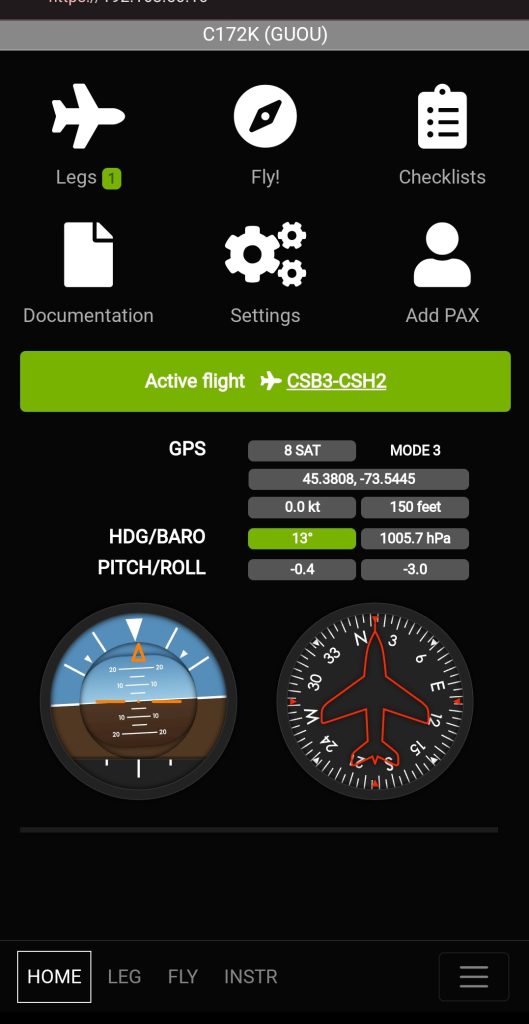
The next page is your home page. On initial launch will you need to select an aircraft. Currently on the C172K is provided but we plan to update this when users provide us with their airplane model data.
The next few screenshots depicts the New Flight option.
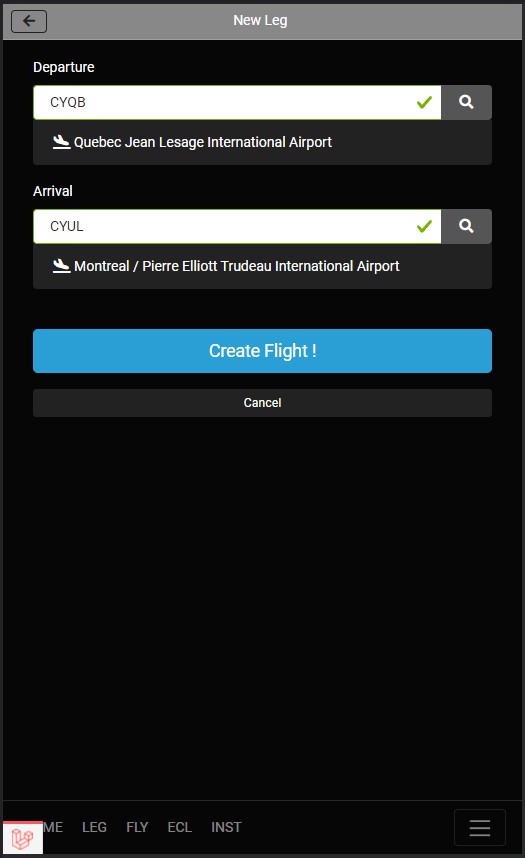
Click on create a flight!
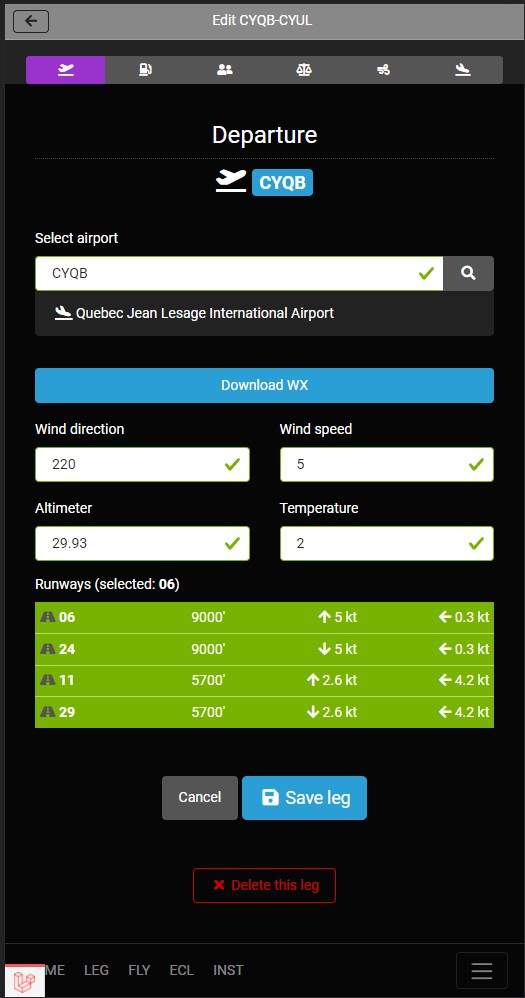
Add fuel and red warning
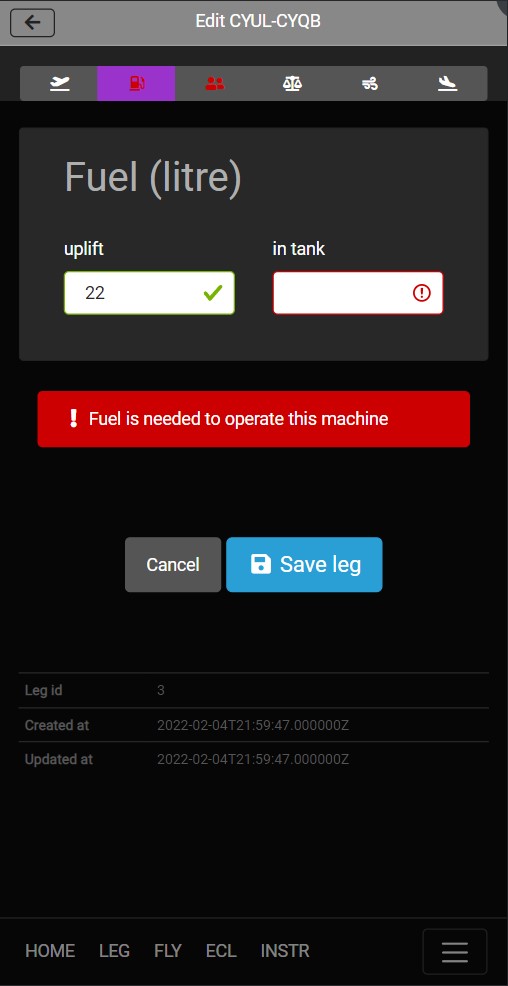
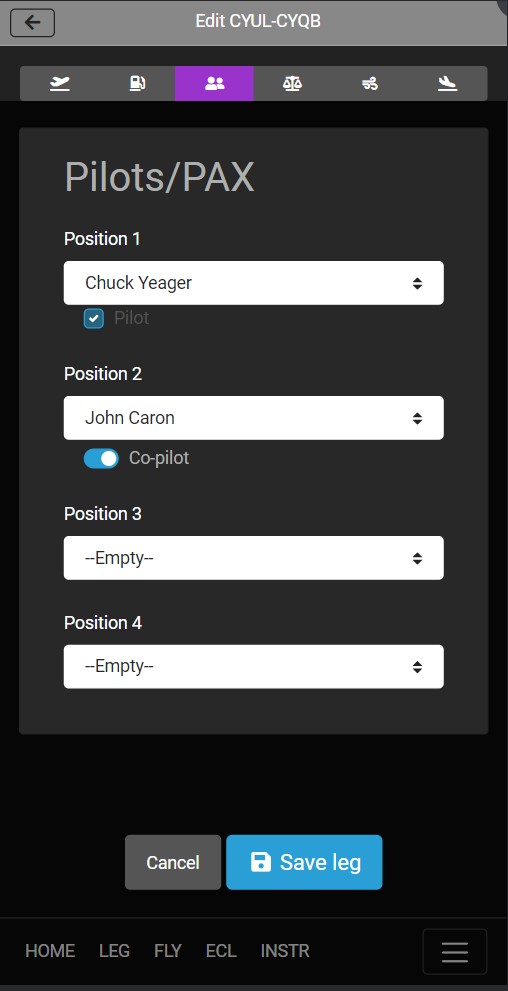
Add pilot and passengers page.
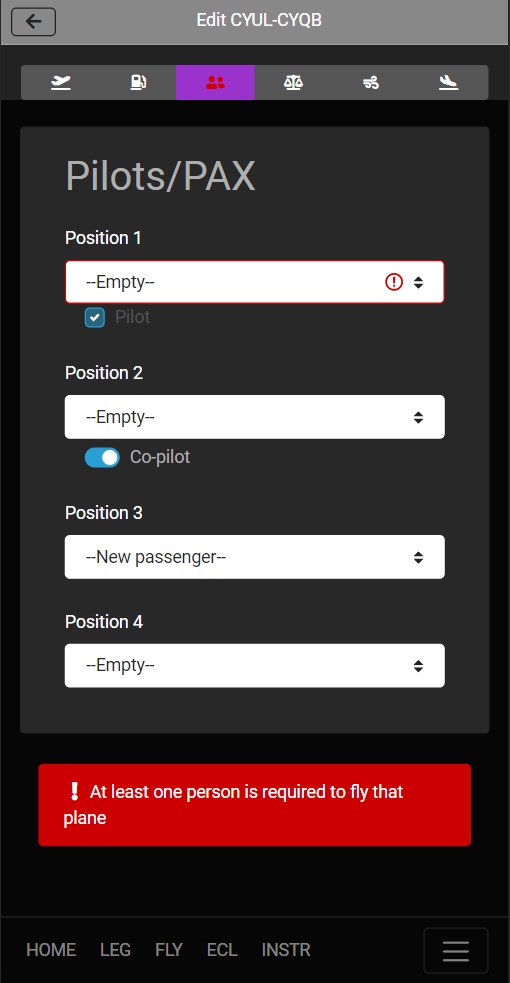
Enter cargo weight
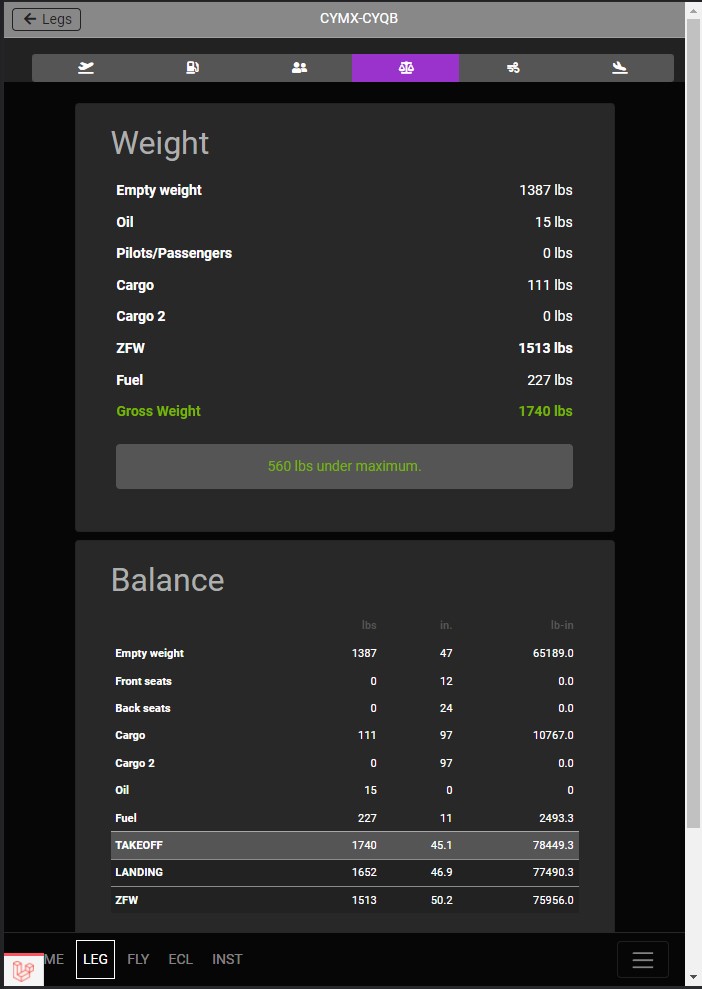
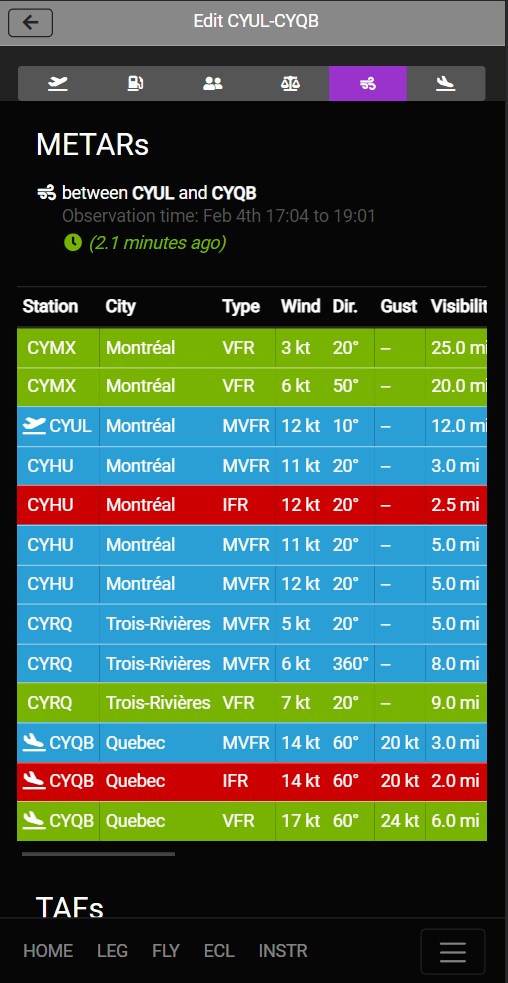
Get latest NETAR and TAFs. METARS reports are color coded, green = VFR
Save
NOTICE: An important word of caution before using Blackbox: This device is not designed to replace official documentation and it should only be use as a guide by the user. We use public data from “OurAirports” to populate the application database with airports and runways around the world and these are not a replacement for official up-to-date approved aviation charts or documents. Please carefully read and understand the disclaimer when you open Blackbox:
Pilots-in-command are ALWAYS responsible to ensure, at all times, that there is sufficient fuel on board to safely and legally complete the flight and that his/her duties as a pilot-in-command SHALL always be accomplished using legally approved and up-to-date documentations and publications.